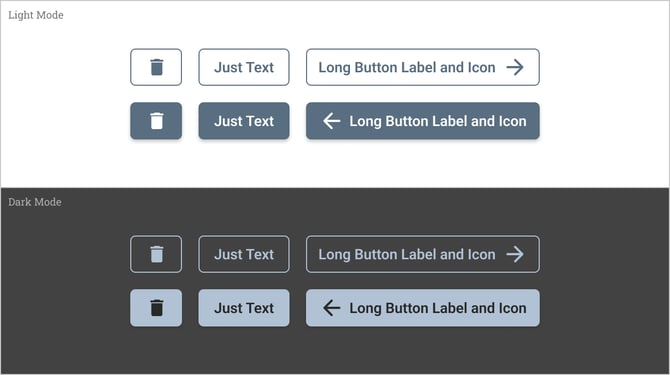
Buttons are used to trigger actions, and allow users to make choices, with a single click or tap. Buttons are placed throughout the UI in places such as:
-
Modals
-
Forms
-
Cards
-
Toolbars
Button Types
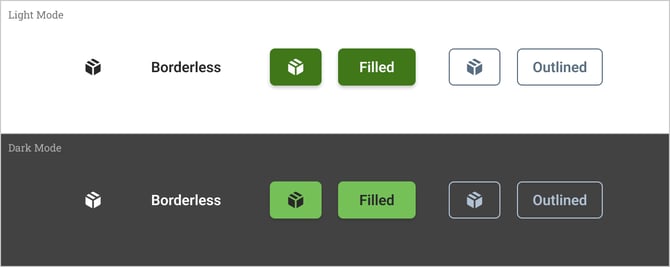
Borderless Buttons
Borderless buttons are text or icon-based buttons that don’t have a border or background. They should typically be used for less-pronounced actions. This type of button helps to maintain emphasis on other actions or content.
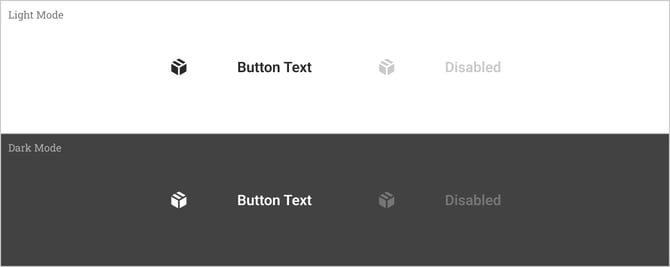
Filled Buttons
Filled buttons are high-emphasis, distinguished by their use of elevation and background fill. This type of button should be used for actions that are primary to app workflows.
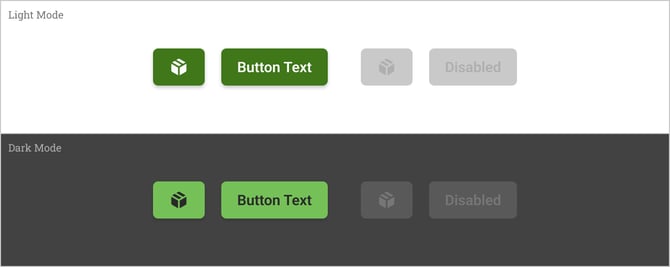
Outlined Buttons
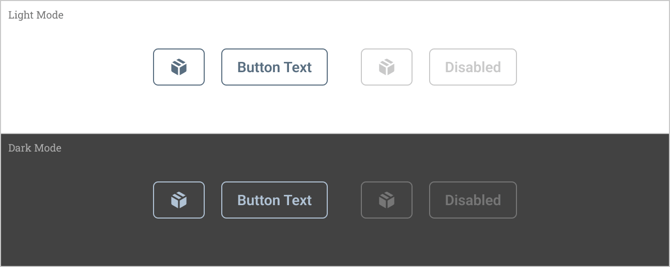
Outlined buttons are medium-emphasis buttons. They contain actions that are important but are not a primary actions in app workflows. Outlined buttons are lower emphasis than filled buttons, but higher emphasis compared to borderless buttons.
Color
Color plays a vital role in UI button design, influencing user perception and interaction. Applying high contrast is crucial in helping buttons to stand out from surrounding elements. Button labels should be clearly legible in both light and dark modes.
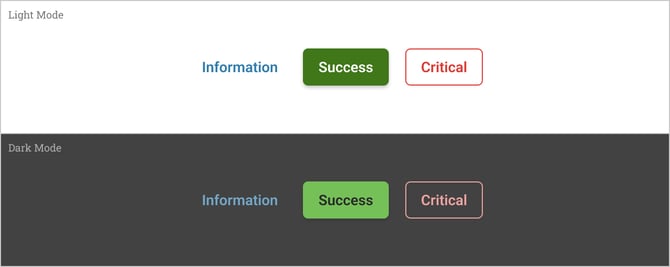
For increased affordance, semantic colors should be used where applicable.
-
Green: Our primary brand color. Used to signify positive actions, success, or completion.
-
Red: Used to represent critical, negative or dangerous actions and errors.
-
Blue: Frequently used for information, help, or links.
-
Grey: Often used for neutral actions or disabled buttons.
Sizes, Icons and Labels
Button width may vary depending on use-case, the length of button label, and whether it’s being used on desktop or mobile. Smaller buttons may contain an icon only. Medium buttons may contain text only. Sometimes we may include icons with text for certain buttons to enhance the usability, since users can recognize logos more easily than text alone